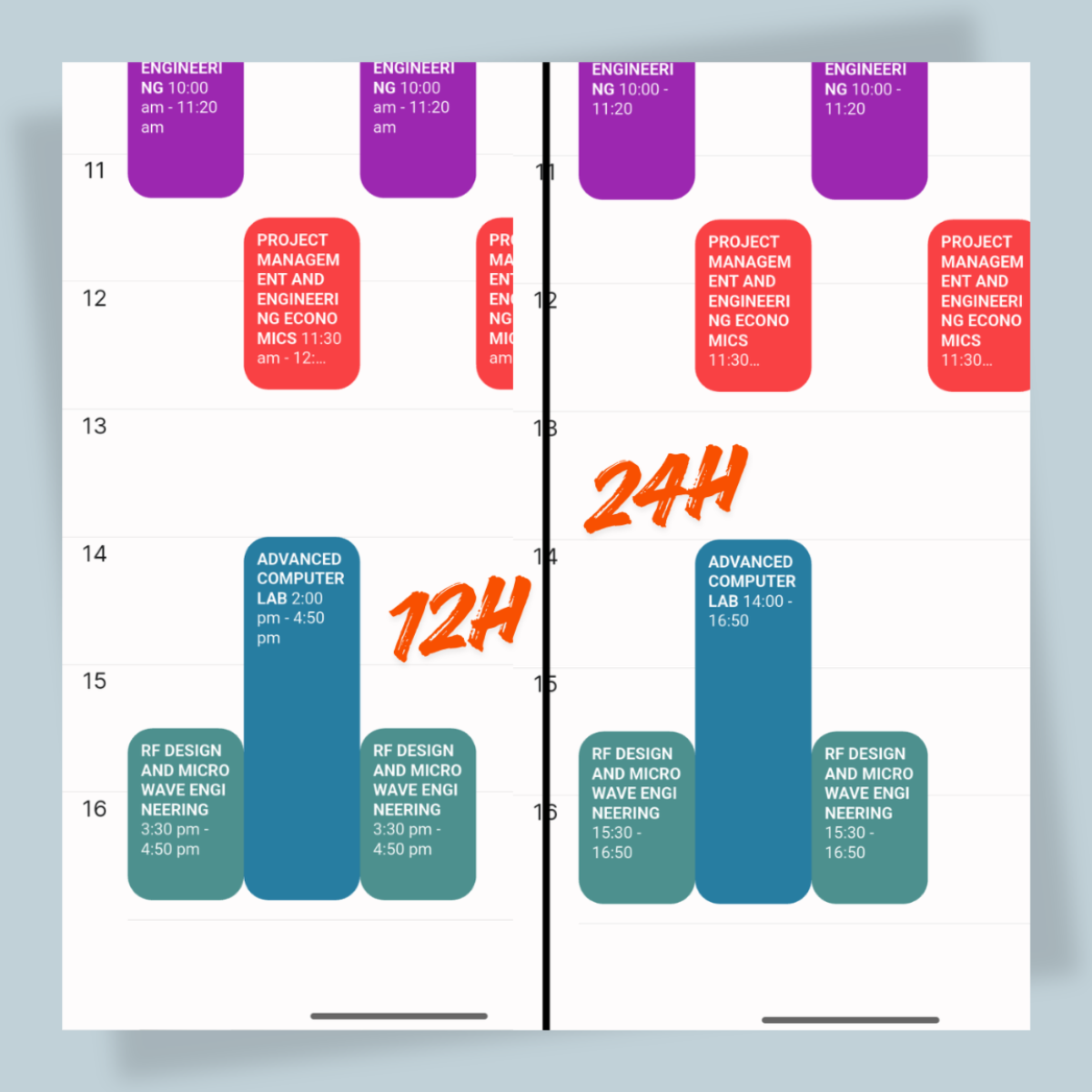
✨ Added setting to change the default time format for timetable UI, Course Browser, and some other places in the app. The setting can be found by tapping ellipsis icon (the three dots) menu in the app's home, then select "Settings" > "Time Format". The default time format is 24-hour format, but you can change it to 12-hour format if you prefer. Related PR #124
✨ In Course browser page, the navigation now prevents users from going to empty pages. Related PR #125
Replace isar plugin libraries with isar_community plugin libraries. This is due to the original isar plugin libraries are no longer maintained and have been archived. This solved the 16 KB memory page sizes requirement for Android. Closed issue #121.
Added and updated the app logo in the app legalese page.
Updated About Dialog.
Upgraded dependencies to their latest versions.
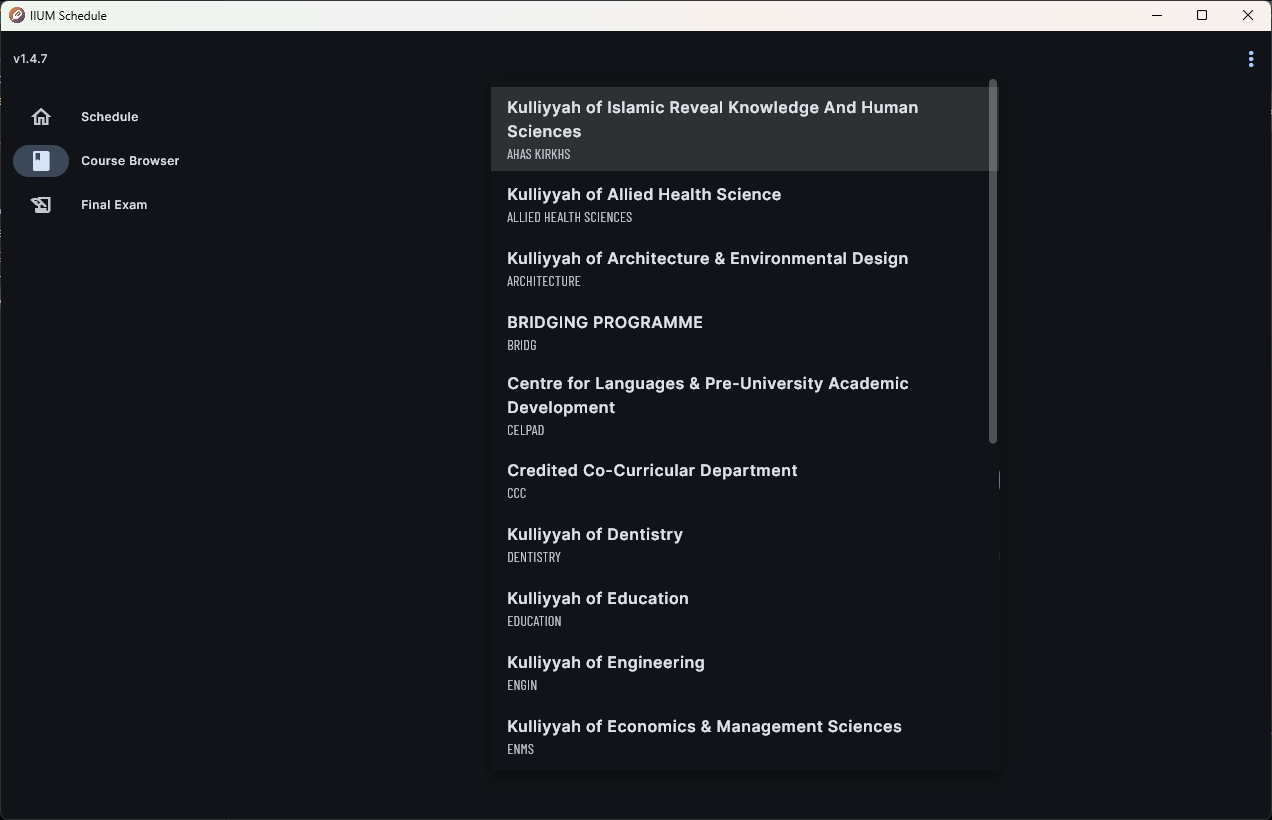
Updated some UI elements, including adding both full names and short names (as seen in the online IIUM Course Browser) in the course selection dropdown, streamlined the UI for picking kulliyyah and academic session/semester in the schedule maker and course browser, and made the course code a bit bolder in the course browser list.
The kulliyyah selector now has full name and course moniker displayed.